Driver Profiles
Every traffic car is assigned a driver profile that governs its behavior. That is: how it reacts to yellow and red lights, how much following distance it keeps, how patient it is, how fast it drives, and how often it reacts slowly. You can reweight the built-in profiles, edit their behavior, or define entirely new ones.
Behavior parameters
A profile is described by a DriverBehavior:
| Parameter | Type | Meaning |
|---|---|---|
yellow_light_stop_probability |
float |
Probability of stopping at a yellow light (higher = more cautious). |
red_light_stop_probability |
float |
Probability of stopping at a red light (higher = more cautious). |
min_following_distance |
int |
Minimum gap kept from the car ahead. |
patience_level |
float |
How long the driver waits before overtaking. |
speed_multiplier |
float |
Probability of attempting to move each step (1.0 = every step). |
reaction_delay_probability |
float |
Probability of a delayed reaction. |
Built-in profiles
PGTG ships five profiles, sampled by default according to the weights in the last column:
| Profile | Yellow stop | Red stop | Follow dist. | Patience | Speed × | React. delay | Default weight |
|---|---|---|---|---|---|---|---|
conservative |
0.95 | 0.99 | 2 | 0.90 | 0.8 | 0.10 | 0.25 |
normal |
0.75 | 0.95 | 1 | 0.70 | 1.0 | 0.15 | 0.35 |
aggressive |
0.30 | 0.85 | 0 | 0.30 | 1.0 | 0.05 | 0.20 |
elderly |
0.98 | 0.999 | 3 | 0.95 | 0.6 | 0.30 | 0.15 |
reckless |
0.10 | 0.70 | 0 | 0.10 | 1.0 | 0.10 | 0.05 |
The distribution of profiles actually present in a running episode is reported in info["driver_profile_stats"]
(available with info_level="restorable" or env.get_info(level="restorable")).
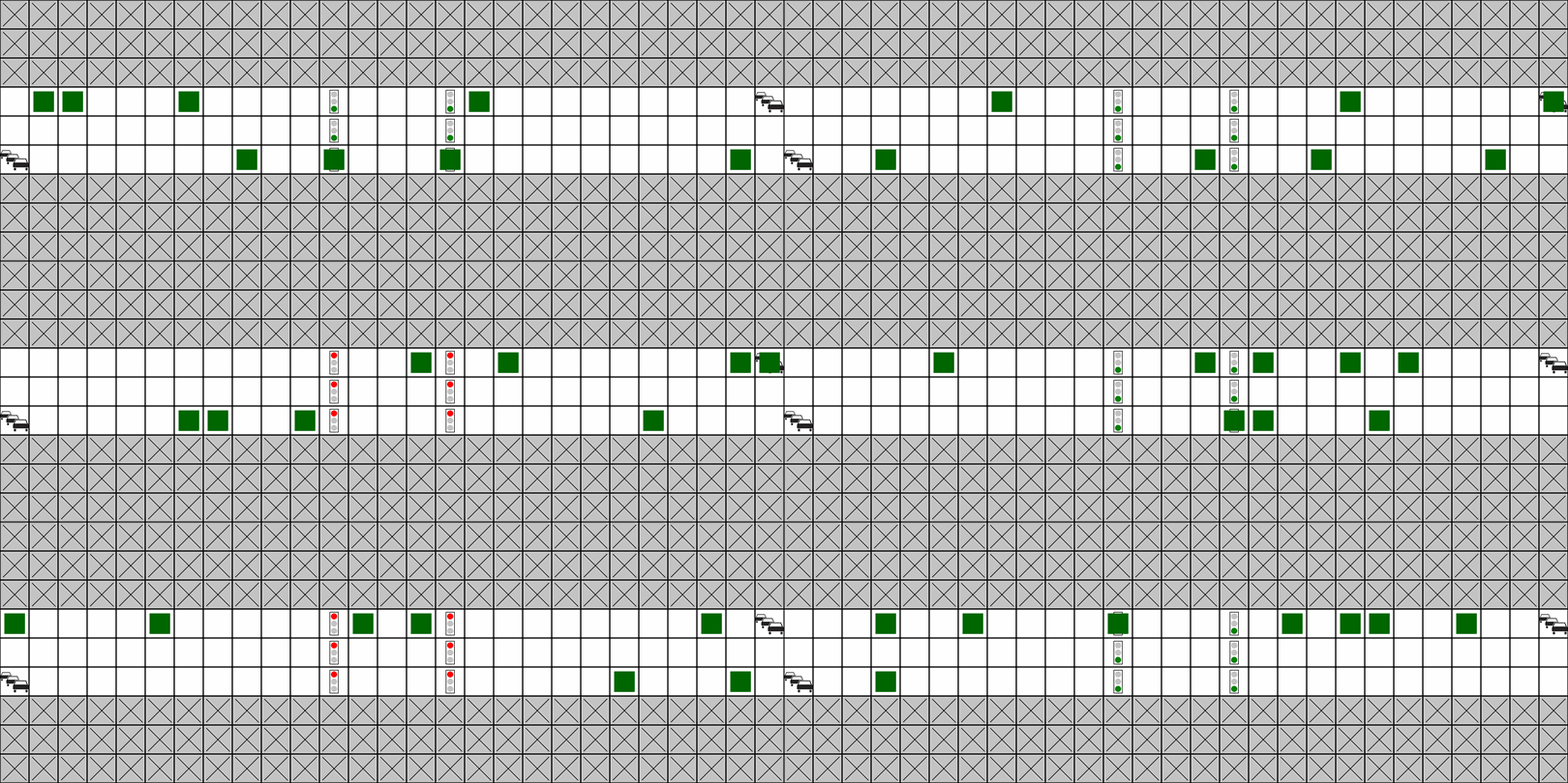
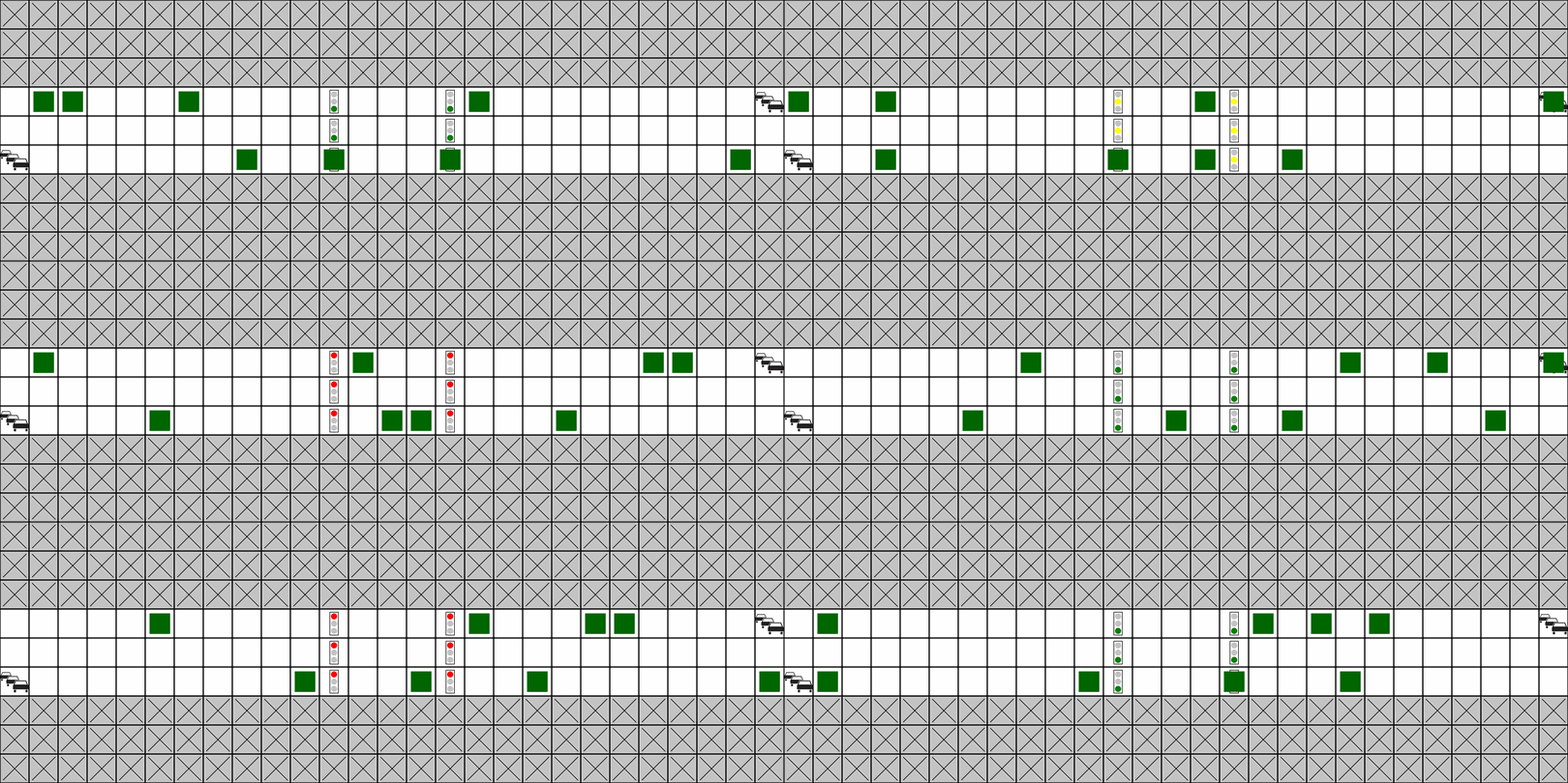
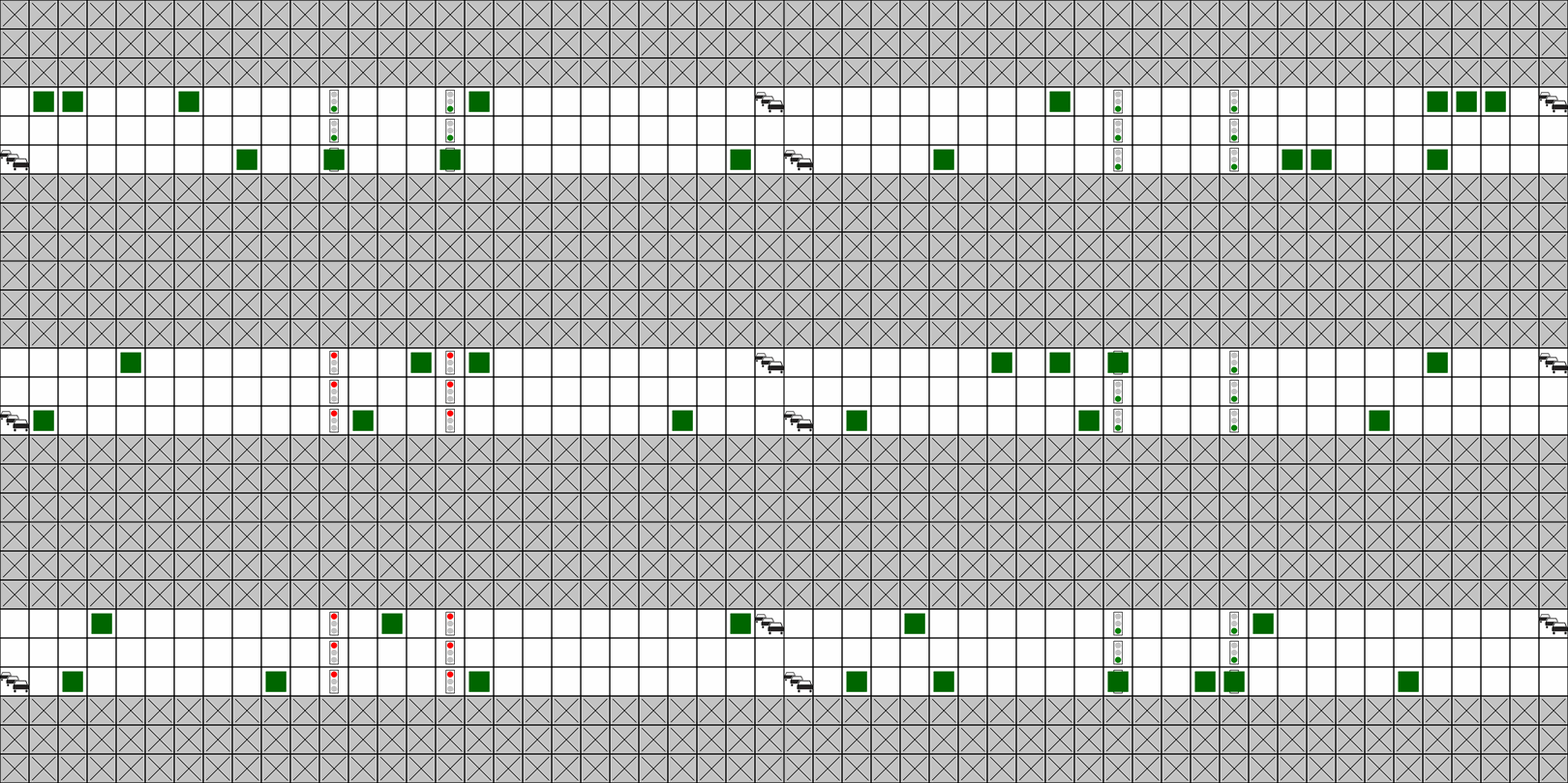
The following animations show the same road but with all traffic using a single profile.
Note how the conservative and elderly cars reliably stop at the traffic light and keep their distance,
while the aggressive and reckless cars tailgate and drive through red lights.
conservative
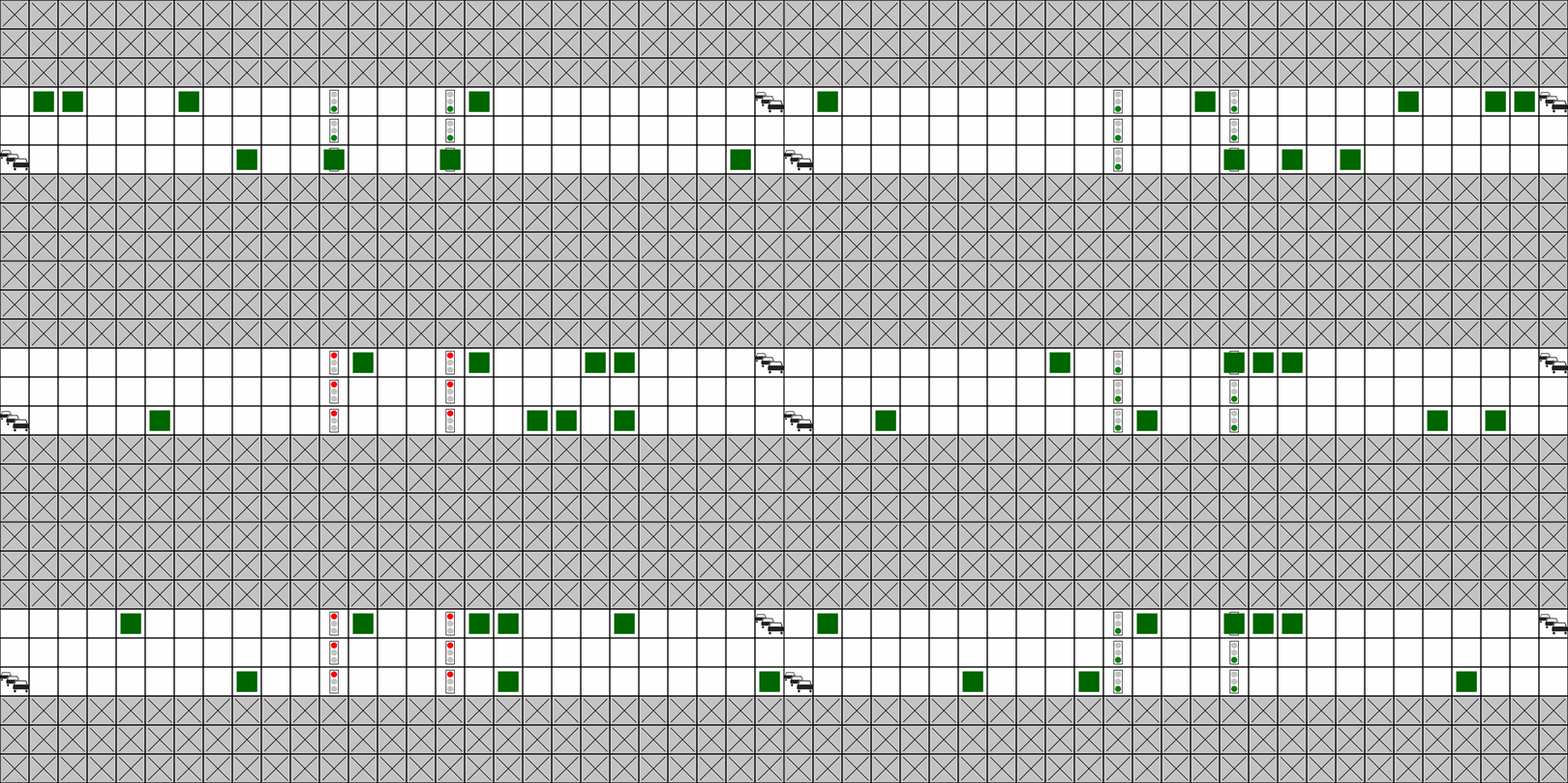
normal
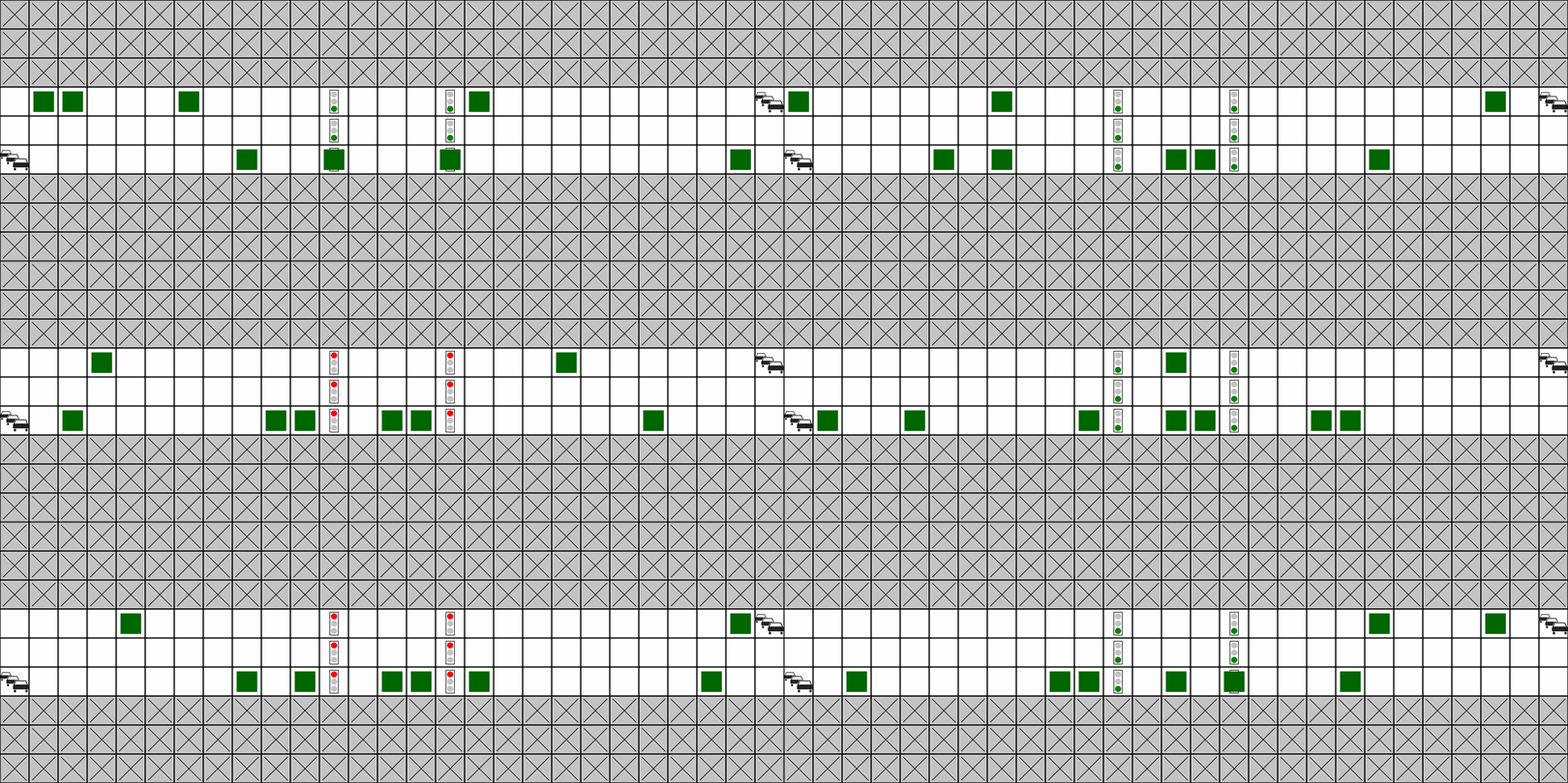
aggressive
elderly
reckless
Overtaking
Traffic never leaves its lane and roads are only one lane wide per direction, so there is no room to physically drive around a slower car.
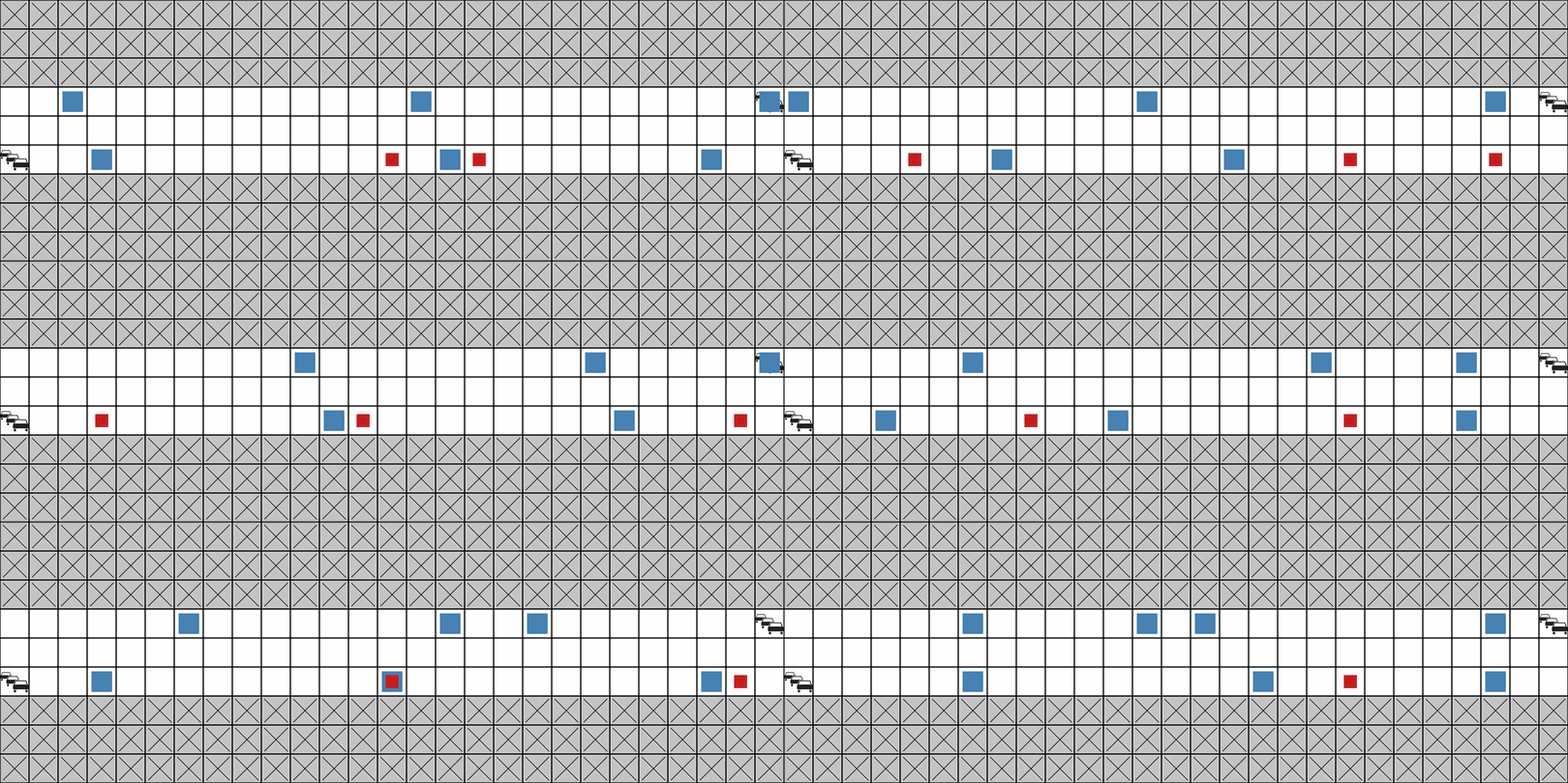
Overtaking is therefore modeled as an abstraction: when the square ahead is occupied,
a car with min_following_distance of 0 (or one whose patience has run out) simply passes through the slower car,
briefly sharing its square before pulling ahead. Traffic cars never collide with each other, only the agent can collide with traffic.
In the animation below the large blue cars are elderly drivers and the small red cars are reckless drivers.
Watch the red cars catch up to the crawling blue ones, slip through, and pull away.
Reweighting the built-in profiles
To change how often each profile appears without touching their behavior, use driver_profile_weights:
from pgtg import PGTGEnv
from pgtg.traffic.drivers import DriverProfile

env = PGTGEnv(
    traffic_density=0.05,
    driver_profile_weights={
        DriverProfile.NORMAL: 0.5,
        DriverProfile.AGGRESSIVE: 0.5,
    },
)
Editing or adding profiles
For full control, pass a driver_profile_config.
It accepts an instance, a dict with behaviors and weights, or a path to a JSON/YAML file.
env = PGTGEnv(
    traffic_density=0.05,
    driver_profile_config={
        "behaviors": {
            "cautious": {
                "yellow_light_stop_probability": 0.95,
                "red_light_stop_probability": 0.99,
                "min_following_distance": 2,
                "patience_level": 0.9,
                "speed_multiplier": 0.75,
                "reaction_delay_probability": 0.12,
            },
            "bold": {
                "yellow_light_stop_probability": 0.2,
                "red_light_stop_probability": 0.8,
                "min_following_distance": 0,
                "patience_level": 0.2,
                "speed_multiplier": 1.0,
                "reaction_delay_probability": 0.05,
            },
        },
        "weights": {"cautious": 0.7, "bold": 0.3},
    },
)
Files merge with the defaults
When you load driver_profile_config from a path, its behaviors are merged onto the
package defaults (your definitions win on name clashes), and its weights replace the
defaults, if present. Passing a dict or instance uses exactly what you provide.
If you specify custom weights, every named profile must also exist in behaviors.